
When we think about losing sensitive data, most of us picture a hacker breaking in from the outside. But the people who deal with these incidents will tell you a different story. More often than not, the trouble starts with someone who already works here. That’s why the most effective data loss prevention best practices pay just as much attention to the risks inside your organization as the threats coming from outside it.
Think about how easily it happens. Someone emails a spreadsheet to their personal account so they can finish up at home. A colleague drops a client file into their own cloud drive because it’s faster. An employee resigns, and their contact list quietly leaves with them. None of it feels like a big deal in the moment, and there’s usually no bad intent behind it. Still, any one of these can turn into a serious data loss event.
Verizon’s yearly breach report has shown for years that people, through simple mistakes or misuse, are behind a huge share of incidents. So the goal isn’t only to build a taller wall against outsiders. It’s to put the right technology and controls in place to catch risky data movement early, without making anyone feel like they’re being watched over the shoulder.
Where Data Loss Actually Starts
It’s natural to worry about outside attackers first, but that instinct can pull your attention away from the bigger gap, which is often much closer to home. A lot of data loss begins inside your own walls, or more precisely, inside the accounts and devices your people use every day.
Insider risk tends to show up in two forms. Most of it is accidental, the honest mistakes like sending a file to the wrong person or saving something sensitive to a device nobody’s tracking. The rest is intentional, which happens far less often but usually hurts more. The encouraging part is that the right set of controls can catch both, as long as they’re built around how data actually moves rather than around suspicion of your own staff.
7 Data Loss Prevention Best Practices That Reduce Insider Risk
Here are the seven practices that make the biggest difference, along with the kind of technology that makes each one work in the real world.
Find and classify your sensitive data first
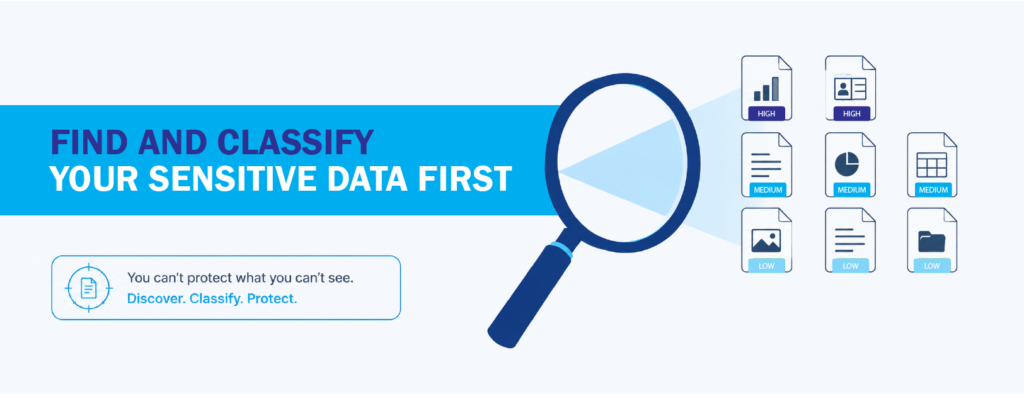
You can’t protect what you don’t know you have. Before writing a single rule, get a clear picture of where your sensitive data lives, whether that’s on laptops, in email, or scattered across cloud apps. Data discovery scans your environment and surfaces the information that actually matters, so you’re not guessing.
Classification is the natural next step. Once you can automatically tag data by how sensitive it is, your controls get far smarter. Instead of treating every file the same, the system knows the difference between a lunch menu and a customer record, and it can focus protection where it counts.
Watch the data, not the people
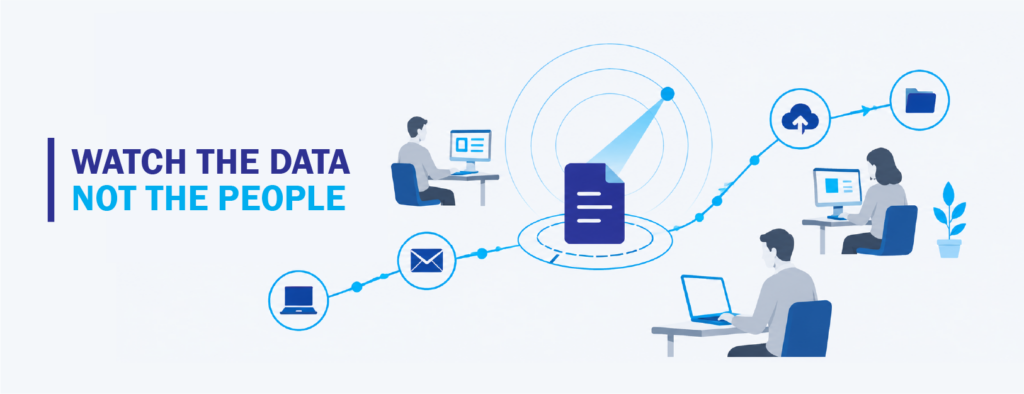
Visibility is the foundation of everything else, but there’s a right way to do it. Rather than monitoring employees, monitor how sensitive files get opened, shared, and moved. That distinction keeps you focused on genuine risk and steers you clear of blanket surveillance, which hurts morale and can create privacy headaches of its own.
Good tooling tracks the data itself as it travels and only speaks up when something moves in a way that breaks from the normal pattern. That keeps the signal high and the noise low.
Cover the whole path from endpoint to cloud
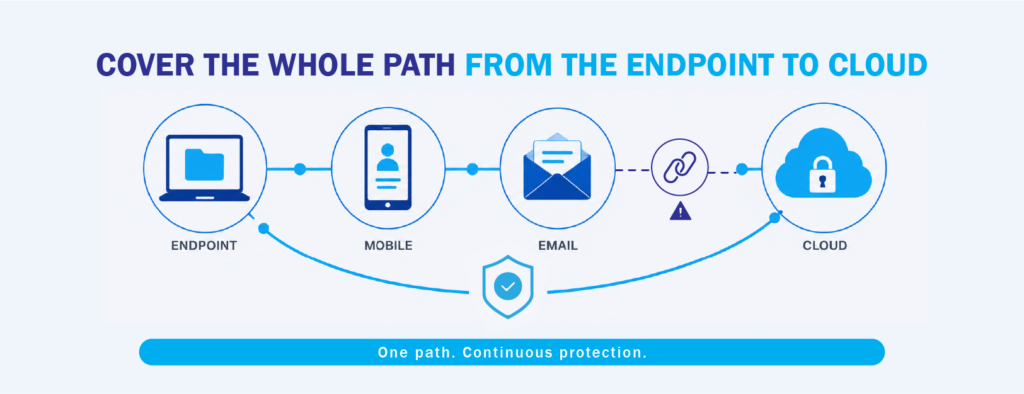
Data doesn’t sit in one tidy place anymore. It’s on laptops running Windows, Mac, and Linux, inside everyone’s inbox, and spread across the cloud apps your teams live in. If your protection stops at the office network, you’ve got a blind spot exactly where most work happens now.
Consistent coverage means a file protected on a company laptop stays protected when someone uploads it to a cloud folder or attaches it to an email. When you stitch together separate tools that each watch only one channel, the gaps between them are precisely where data slips out.
Use context to separate mistakes from real threats
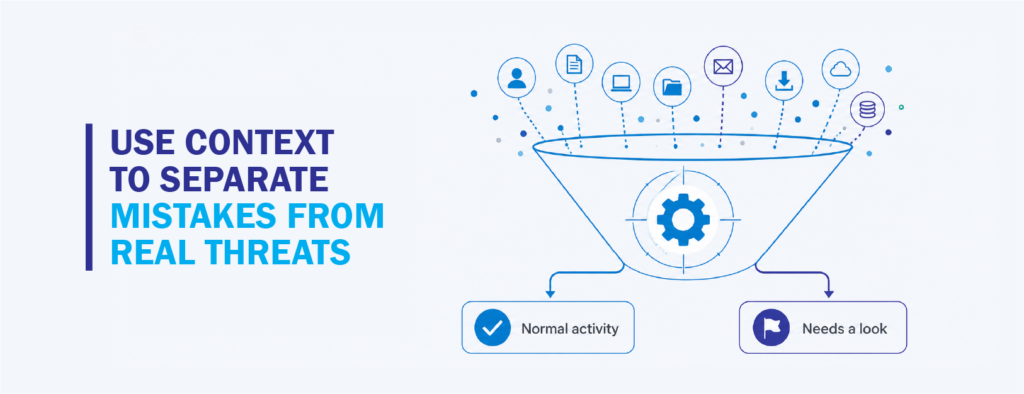
Not every unusual action is a threat, and treating it that way buries your team in false alarms. A large download might be perfectly routine for someone in analytics and a genuine red flag for someone whose role never touches bulk data. Context is what tells the two apart.
This is where analytics earns its keep. By correlating what a user is doing, what data is moving, and whether any of it fits their role, you can spot the handful of situations that truly need a closer look instead of chasing every blip on the dashboard.
Add guardrails at the moment data moves
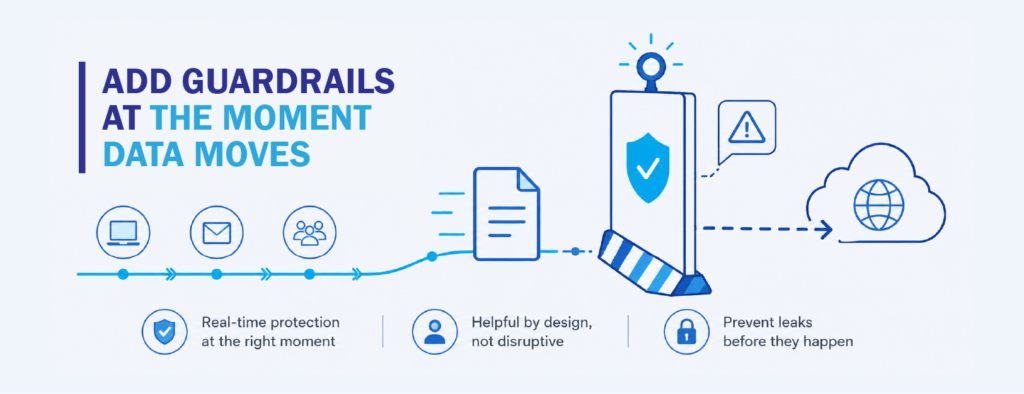
The best time to prevent a leak is the instant it’s about to happen. If someone tries to send a file full of sensitive information to an outside address, a well-configured system can warn them, ask for confirmation, or hold the action and explain why. A silent incident becomes a small, useful nudge.
These guardrails do double duty. They stop accidental leaks in real time, and they gradually shape better habits, since people learn what’s risky without anyone having to lecture them.
Tighten access when roles change or people leave
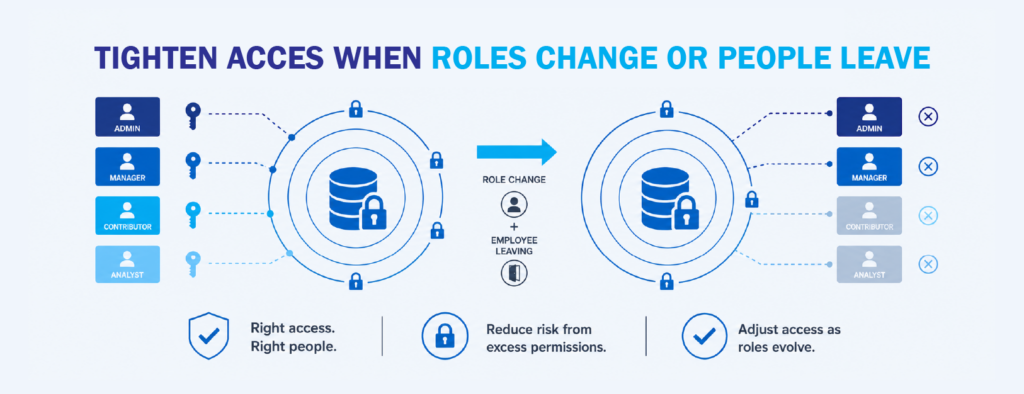
Some of the riskiest moments come during transitions. When people switch roles, their access usually grows but rarely gets cleaned up, and old permissions pile up over time. The principle of “least privilege,” recommended for years by both NIST and CISA, simply means people should have the access they need and not much more.
Reviewing entitlements whenever a role shifts, and adjusting them promptly when someone moves on, closes one of the most predictable gaps there is. It isn’t about assuming the worst of anyone. It’s just recognizing that access which made sense last month may not make sense today.
Manage everything from one place
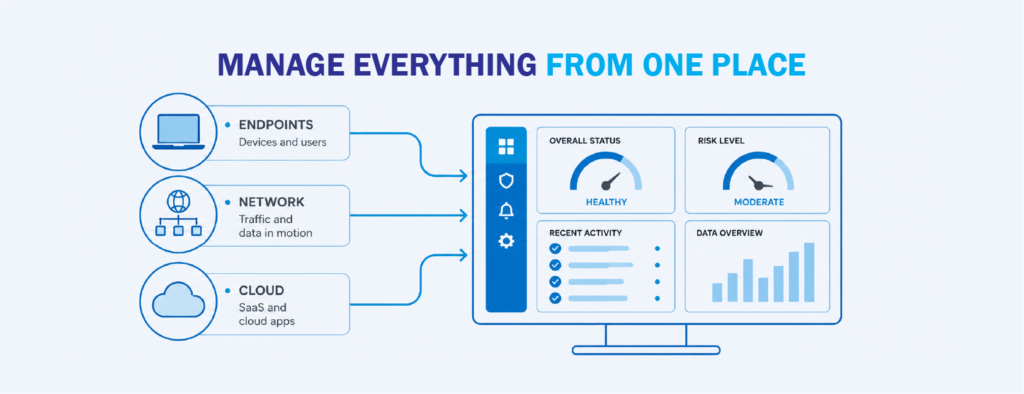
Fragmented controls are hard to trust because it’s tough to know whether a policy is actually applied everywhere it should be. Managing your rules, alerts, and reporting from a single console removes that uncertainty. You set a policy once and know it’s enforced consistently across endpoints, the network, and the cloud.
A centralized view also makes compliance far less painful. Ready-made policies and clear dashboards mean you can show what’s protected and how, which matters a great deal when you’re accountable to regulators or leadership.
Bringing It Together With the Right Technology
Everything above is deliberately vendor neutral, because these habits hold up no matter which tools you land on. The right platform, though, makes them far easier to actually pull off.
That’s where a solution like Fortra Data Loss Prevention fits in. It’s built around the same seven ideas we’ve walked through: automated data discovery and classification, protection that follows your data from the laptop all the way to the cloud, and analytics that connect user, system, and data activity so you can tell an honest mistake apart from something that needs attention.
It covers Windows, Mac, and Linux endpoints, monitors activity across the network, and lets you run everything from one console. It also comes with pre-built compliance policies and dashboards, so even a smaller team can get real protection running without a long, painful setup. If you’re rethinking how to handle everyday human risk, it’s a practical place to begin.
Interested in learning more about data loss prevention solutions like Fortra? Contact us at marketing@ctlink.com.ph to set a consultation with us today!